


Fulltext search
Use an article number, a series name or a description of the component.
Try an example: PI1210Tailored
Many components, one article number — assembled for your application, not off the shelf.
Request adviceTHE STASTO STORE GUIDE
A known article number, a product image or a technical requirement: start with what you have.
Open the store01 / SEARCH
Article searches cover the entire range, even when you start in a category.
Use an article number, a series name or a description of the component.
Try an example: PI1210Use the beginning of a reference to find the matching article family.
PI12Use a known part of the reference when the full article number is missing.
06-1802 / IMAGE SELECTION
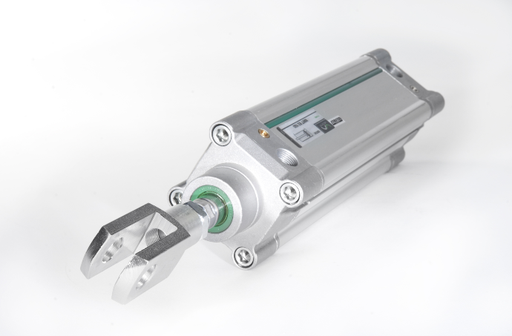
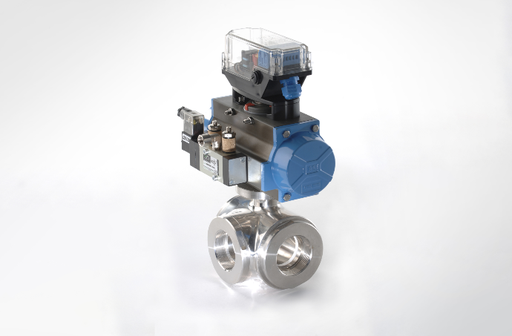
Select a product family, then follow the category images to your series. You can also switch between related series there.
Image selection means browsing product images in the catalog. You do not need to upload a photo.
03 / TECHNICAL FILTERS
Start with the specification that matters most for your application. The available filters depend on the category or series.
EXAMPLE: A FITTING
Illustration of filter logic
04 / SELECT AND ORDER
The series table helps you compare. The product page brings the details together.
Check the article number and technical values. Use the table headings to sort dimensions or references.
Open the available data sheets, drawings and instructions on the product page.
Read each delivery line separately. For a required delivery date or larger quantity, contact our team.
Set the quantity and add the article to the cart. Configurable products are selected on the product page.
Back to your selection: use the series link in the breadcrumb above the product.
GOOD TO KNOW
From a single spare part to purchasing through your own system.
Ask the STASTO teamCheck the search mode and shorten the reference. For filtered results, remove individual filters. If the article is still missing, send us the reference or describe your application.
The product page shows the available documents and, where provided, suitable spare parts. For an unclear assignment, our team can help.
Sign in to use the functions available for your company and view your account.
Open my accountConnect the store to your purchasing system. The documentation explains the requirements and setup.
Open PunchOut documentationTell us the application, quantity and required delivery date. STASTO supports you with product selection and project-specific solutions.
Discuss your requirements